
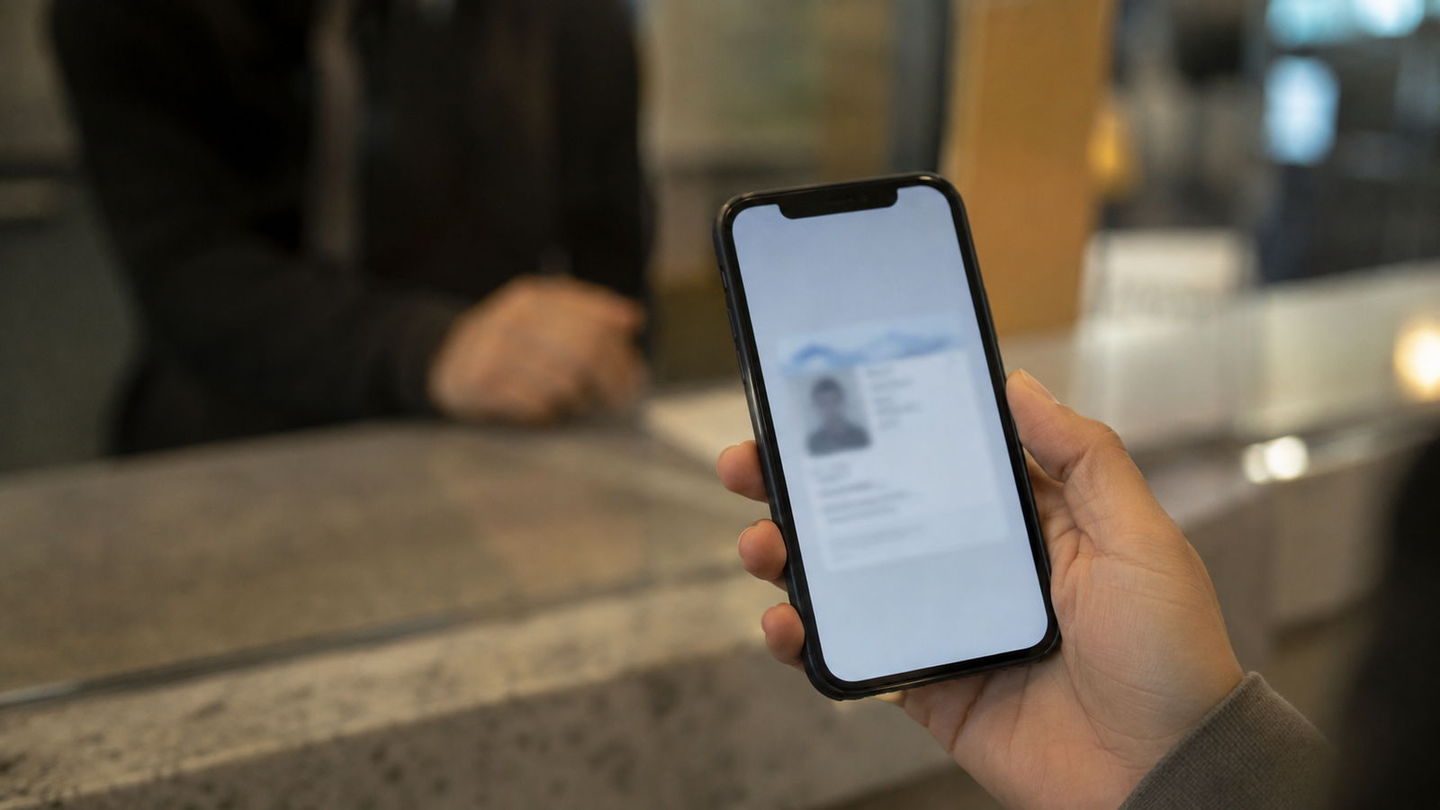
Digital Driver's Licenses — Which States Accept Them, and Where They Still Fail
Adding your driver's license to your phone feels like the obvious next step, and in a growing number of states you can do it in about four minutes. What almost nobody tells you is how narrow the thing you just created actually is. A mobile ID is not a replacement for your license. In most states it is not even legally a license. Here is what it is, where it works today, and the situations where reaching for your phone will make your day worse.
What a mobile ID actually is
A mobile driver's license — the industry calls it an mDL — is not a photograph of your license. It is not a PDF, and it is not a scan. If you have been keeping a picture of your card in your camera roll, that is not what this is, and that picture has never been valid anywhere.
An mDL is a cryptographically signed credential issued by your state's motor vehicle agency and stored on your device. When a verifier checks it, their reader talks to your phone directly, confirms the signature came from the issuing state, and displays only the fields they asked for. The whole exchange runs on an international standard, ISO/IEC 18013-5, which is why a reader bought by an airport in one state can validate a credential issued by an agency in another.
The genuinely clever part is selective disclosure. A bartender needs to know one thing: whether you are over 21. A physical license answers that question by also handing over your full legal name, your exact date of birth, and your home address. An mDL can answer over 21: yes and disclose nothing else. That is a real privacy improvement, and it is the strongest argument for the technology.
Two different things wearing the same name
This is where most confusion starts, because "digital license" describes two separate products with different histories and different acceptance.
State-issued apps came first. Louisiana launched LA Wallet in 2018, well before the big platforms were interested, and Colorado, Delaware, Oklahoma and others followed with their own apps. These are official state software, and in a few states the legislature passed a law giving the app specific legal standing.
Apple Wallet and Google Wallet came later and work differently. Your state provisions the credential into the platform wallet, and it lives alongside your cards and boarding passes. The advantage is obvious: it is where people already look. The disadvantage is that acceptance depends on the verifier having a compatible reader, and outside airports very few do.
A state can support one, both, or neither, and the two are not interchangeable. If your state has an app but has not partnered with Apple, adding your license to Apple Wallet is simply not an option no matter how many times you check.
Where it works today
The honest answer is: airports, mostly, and a short list of other places.
TSA has been the driver of adoption. Digital ID is accepted at a growing set of checkpoints, and where it works it works well — you tap your phone at the reader, the officer sees a verified match, and you keep walking. The list of participating airports and supported states changes several times a year, which is exactly why we are not going to print it here and let it rot. Check TSA's digital ID page before you rely on it, and check it for the airport you are flying from, not the one you are flying to.
Beyond the checkpoint, acceptance is patchy but real: some state government offices, some retailers with updated point-of-sale terminals, a handful of banks, and an increasing number of age-verification situations. What these have in common is a business that bought a reader on purpose.
Which states issue one? The list has grown steadily and it changes on a scale of months, so the only answer worth trusting is your own agency's. Find yours in our state directory, follow the official link at the top of your state's page, and search for "mobile ID" or "digital ID". If your state offers one, it will be advertised on the front page — agencies are proud of these.
Where it still fails
Here is the list that matters, because these are the moments where assuming your phone is enough turns into a genuine problem.
- Renting a car. Rental counters overwhelmingly require the physical card. Their systems, their insurance requirements and their damage-claim processes are all built around it.
- Driving in another state. Your mobile ID is recognized by the state that issued it. Cross a state line and you are relying on the other state's rules, which in most cases do not recognize it at all.
- International travel. Never. A passport is a passport.
- Most bars, liquor stores and dispensaries. If the clerk does not have a reader, and almost none do, the mobile ID is a picture on a screen and they are right to refuse it.
- Any situation involving a dead battery. This sounds trivial until it is 11pm and your phone is at two percent.
- Voting, employment verification, notaries, courts. Institutions with statutory identification requirements move slowly, and most of them still specify a physical document.
The traffic stop question
This is the question everyone asks and the one with the most uncomfortable answer.
In the large majority of states, a mobile ID does not satisfy the legal requirement to carry and present a driver's license during a traffic stop. The statute says you must have your license in your possession, and in most states that has not been amended to include a credential on a phone. Louisiana is the well-known exception, having legislated for it specifically. A handful of others have followed. Most have not.
There is a second problem, and it is about your rights rather than the statute. Handing an officer your unlocked phone is not the same as handing over a card. It puts a device containing your messages, your photos and your location history into someone else's hands. The mDL standard was designed to avoid this — the officer's reader is supposed to query your phone while it stays with you — but roadside equipment lags badly behind airport equipment.
The practical advice is unglamorous and unanimous: keep the plastic card in your wallet. Use the mobile ID where it genuinely helps and treat it as a convenience, not a substitute. If you are ever unsure what your own state's law says about presenting a license, that is on your state's page in our state guides, and the definitive answer is with the agency linked at the top of it.
Is it worth setting up?
If your state offers one, yes — with your expectations set correctly.
It is worth it for the airport, where it is genuinely faster and where acceptance is real and expanding. It is worth it as a backup: if your wallet is stolen, having a verifiable credential on your phone is meaningfully better than having nothing while you wait for a replacement license. And it is worth it for the age-verification privacy, in the places that support it.
It is not worth reorganizing your habits around. The plastic card stays in your wallet, and it will stay there for years yet. What you are adopting is a second copy that works in a growing number of specific places, not a replacement for the first.
Setup is straightforward where it exists: your agency will ask you to scan the front and back of your existing card, take a short video selfie for liveness matching, and confirm against the photo already on file. It takes a few minutes and it is free in most states. You need a valid, unexpired license first, so if yours is due, handle the renewal before you bother.